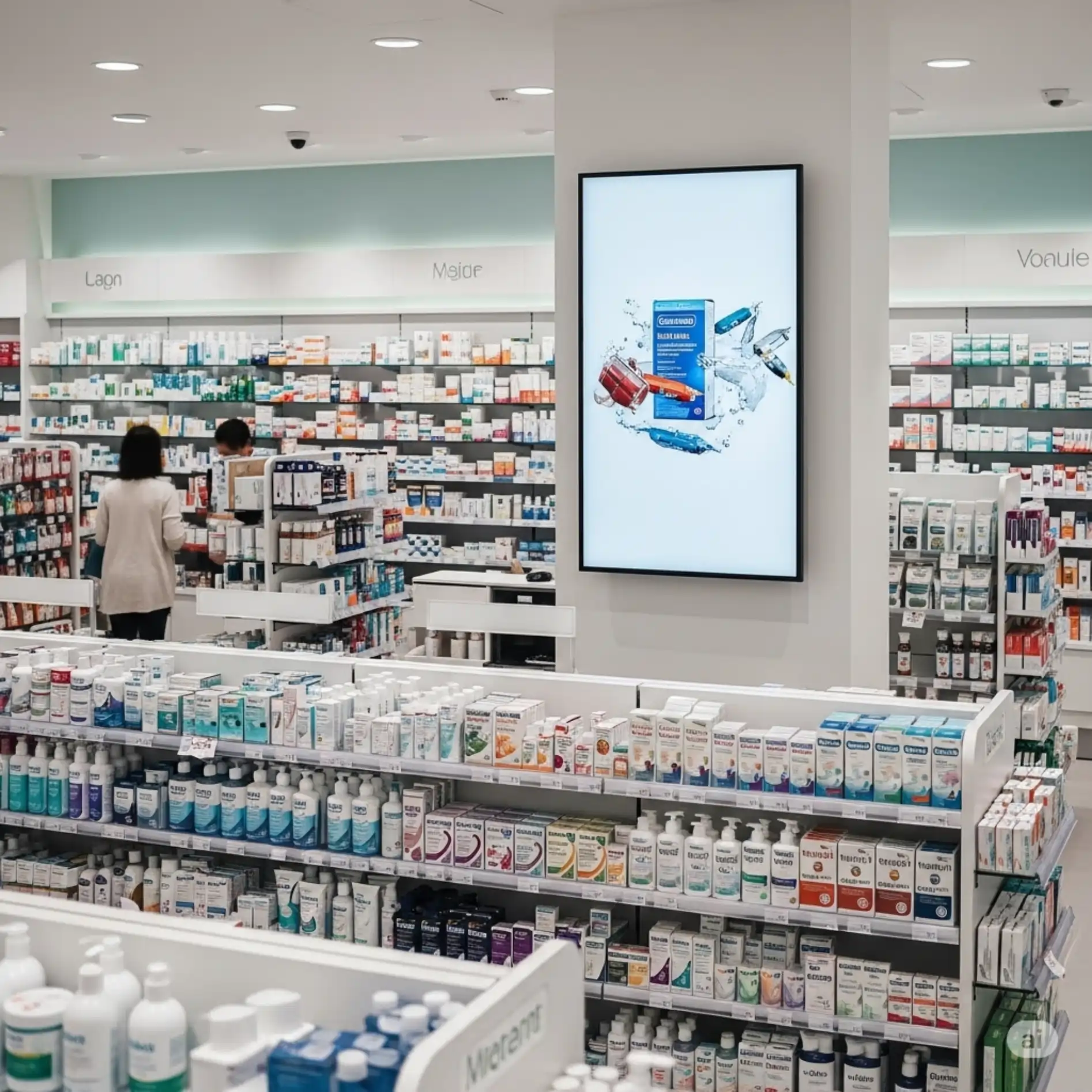
Indoor TV by store zone is the strategy of showing different content at each point of the establishment, instead of repeating the same programming on every screen. Each zone has a customer in a distinct "mode" — waiting in the checkout line, deciding at the shelf or walking quickly down the aisle. In JMV Indoor, each TV is a point with its own playlist, editable from your phone in real time: at the checkout you show impulse-buy items; near the scale, weight-loss and muscle-gain products; at the baby shelf, promotions on diapers and infant hygiene.
Why a single TV is not enough
Inside the same establishment, the customer is never in the same state of mind. In the checkout line, they wait and have plenty of time to look at the screen. At the shelf, they are deciding between brands. In the aisle, they move fast, barely stopping. If every screen shows the same thing, much of the message lands on the wrong audience, at the wrong moment.
Segmenting by zone solves this. Instead of generic programming, each point starts showing what is most useful to whoever is physically there. It is the same logic of target-audience segmentation that any retailer already knows from marketing — only applied to the physical space of the store, screen by screen.
How to set up multiple points with distinct playlists
In JMV Indoor, the unit of organization is the point: each installed TV is a point, and each point can have its own independent playlist. In practice, the flow is simple:
- Create one point per TV and give it a name that describes the zone — "Checkout", "Scale", "Baby shelf", "Entrance".
- Build a playlist for each point, with content designed for that zone (direct promotion, educational content, news, notices).
- Adjust it from your phone, in real time. Everything is managed in the cloud: you change the programming of a specific point from wherever you are, without physically touching the TV or swapping a USB drive in the outlet.
Keep in mind that distinct playlists per point are usually part of the plans with more than one point; a single point works with just one programming stream. See how this appears in the JMV Indoor plans before you build your store's zone map.
A complete example: a pharmacy with three points
The pharmacy is a textbook case because the customer usually spends several minutes inside it — they arrive with a prescription, decide whether they want generic or brand-name, negotiate a discount, sometimes wait for the popular-pharmacy program to process. That dwell time is exactly the attention window the screen takes advantage of. And each point in the store plays a different role:
TV behind the checkout: impulse and guaranteed flow
Every customer passes through the checkout and stays there anywhere from 30 seconds to a few minutes in line. It is the point of guaranteed flow and the place for impulse-buy products that are already physically next to the checkout: candy, snacks, water, soda. The idea is to offer something the person grabs right there, without having to go back to the line at the far end.
TV near the scale: a specific audience
Whoever stops at the scale has a clear interest — weight. It is the point to show natural, weight-loss and muscle-gain products, which serve both goals of anyone who weighs themselves. Often the person came in just to weigh, sees the promotion on the screen and decides to buy right there.
TV at the baby shelf: a decision context
At the baby shelf, the right content is promotions on diapers, wipes, soap and baby shampoo — including that item that arrived from the supplier at a lower price. This is where the mother or father is already deciding, and the screen helps close the choice.
Notice the mechanism: three points, three independent playlists, all set up in the same app. Each screen speaks to the target audience of that specific store zone.
Beauty salon and barbershop: segmenting by the day's schedule
In salons and barbershops, segmentation gains another variable: the schedule. If the morning is full of haircuts and the afternoon full of coloring, the screen's programming can follow along — in the morning, finishing products and care; in the afternoon, educational post-procedure content.
Long procedures help even more. Highlights or a keratin treatment can keep the client hours in the chair — a huge window for educational, not just promotional, content. Instead of nagging in the person's ear, the screen educates about the importance of post-procedure care and, at the end, presents the complementary product. Social proof (before and after) matters, but it is education that gets the person to buy the product that sustains the result of the service.
Supermarket: fast aisle versus checkout line
In the supermarket, the customer spends a good amount of time in the store but walks fast through the aisles. That changes the content of each zone:
- Aisles (fast passage): direct, objective promotion. The person will not stop to read — the screen needs to show the product and the price in a few seconds. Illustrating the offer with a photo of the product tends to convert more than just the announcement over the microphone, because the customer recognizes the item by the image, even without knowing its name.
- Checkout line (longer time): here a mix works — news to hold attention and a CTA to convert. As the practical rule goes, "news alone doesn't sell, CTA alone nobody looks at": balance is what generates value.
Prices in food retail are volatile and change throughout the month, so the agility of updating the programming from your phone — and changing every screen at once when a product is about to expire — is what keeps the screen relevant.
The golden rule: map the dwell time
Before deciding the type of content for each screen, map how long the customer stays in each zone. That single piece of information already indicates the right format:
| Zone | Customer time | Content that performs |
|---|---|---|
| Aisle / passage | Short (seconds) | Direct, objective promotion, with a product photo |
| Checkout line | Medium (30s to minutes) | Impulse + news with a CTA |
| Decision point (shelf, scale) | Medium, with clear intent | Offer segmented to that zone's audience |
| Long wait (salon, procedure) | Long (hours) | Educational content + complementary product |
This segmentation is the Indoor TV "strategy manual". It works even better when you have new content easily — and that is where the feature of automatically generating video from photos comes in, which we explain in the article Indoor TV with Artificial Intelligence: create videos from photos. One article is the "where and what to show"; the other, the "how to produce". And if the question is the hardware, see how to set it all up with a vertical Indoor TV without a totem, using an ordinary Smart TV.
Want to test zone segmentation in your store?
Activate the 30-day free trial — it unlocks 1 point, enough to validate the idea in your own store before scaling to the other zones. Prefer to understand the context first? Watch the full Café & Tech episode on the topic on YouTube.
Indoor TV is a form of digital signage applied to the point of sale. When the programming follows the flow and the moment of the customer in each zone, the screen stops being decoration and starts working like a targeted salesperson. Questions about how to build your store's point map? Talk to us through the contact form.
This article is part of a series on Indoor TV in retail. See also how to prepare the store for the end of the 6x1 shift with Indoor TV, keeping service running with fewer available hours.